
For developers
Logs, cause chains, a RAG API.
For people wiring agents or LLMs to real data. Store typed logs and anomalies stand out, add relations and they become cause chains, and your docs become an API that answers with sources.
Connect via terminal
One-line connect
Nothing to install. No key to paste.
One command and Claude is wired into Rootr. You sign in once in the browser — no API key copied by hand. Not a terminal person? Third tab: paste one URL and you're done.
- No install
- No API key
- Under a minute
rootr — zsh
claude mcp add --transport http rootr https://rootr.io/mcpOnce connected
Write up this week's deploy retro in our docs
Written into your Rootr doc — the whole team can read it now
Run it and a browser opens. Sign in, pick a workspace, and Claude starts reading and writing your docs.
Features
Docs, databases, logs — one workspace.
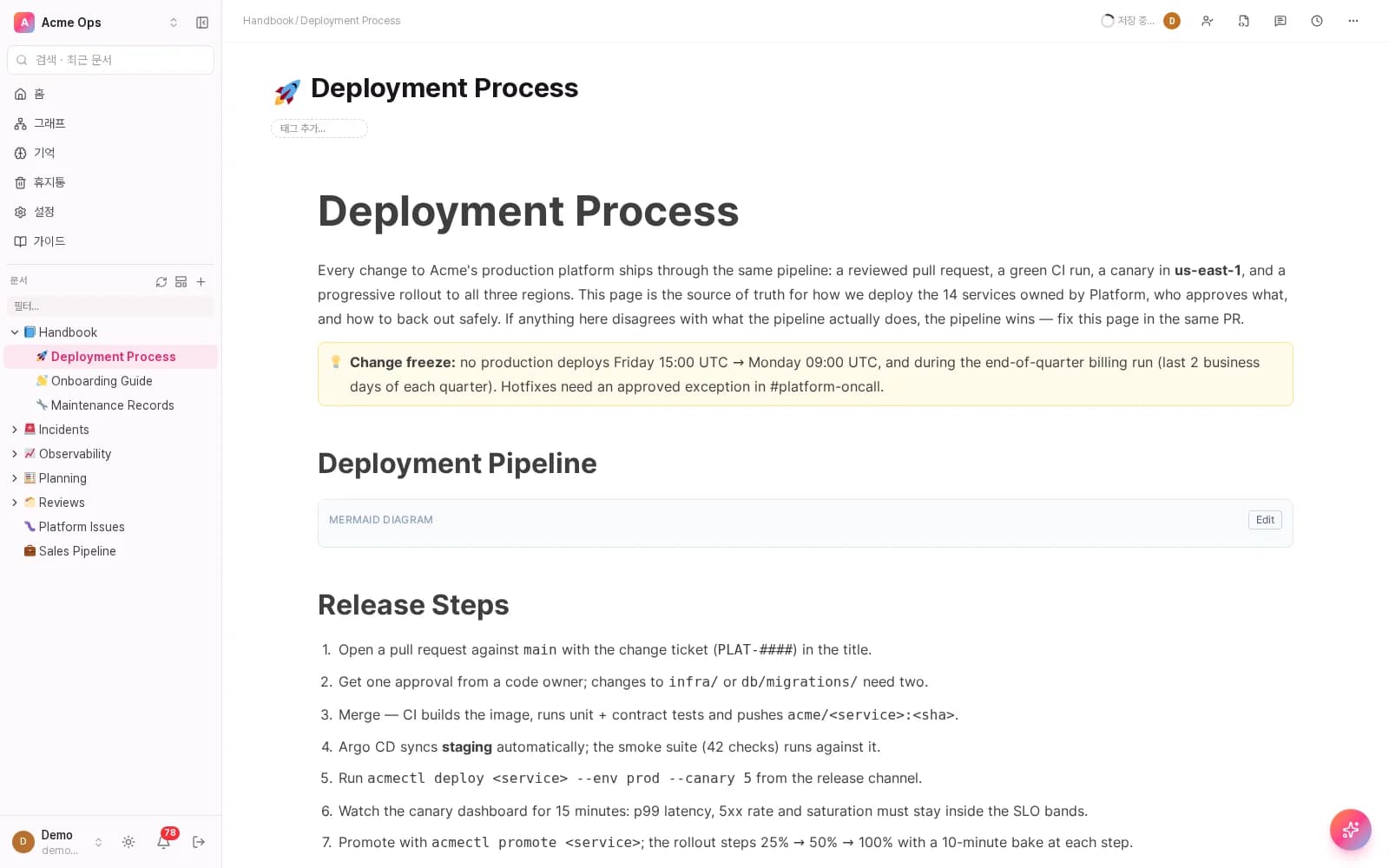
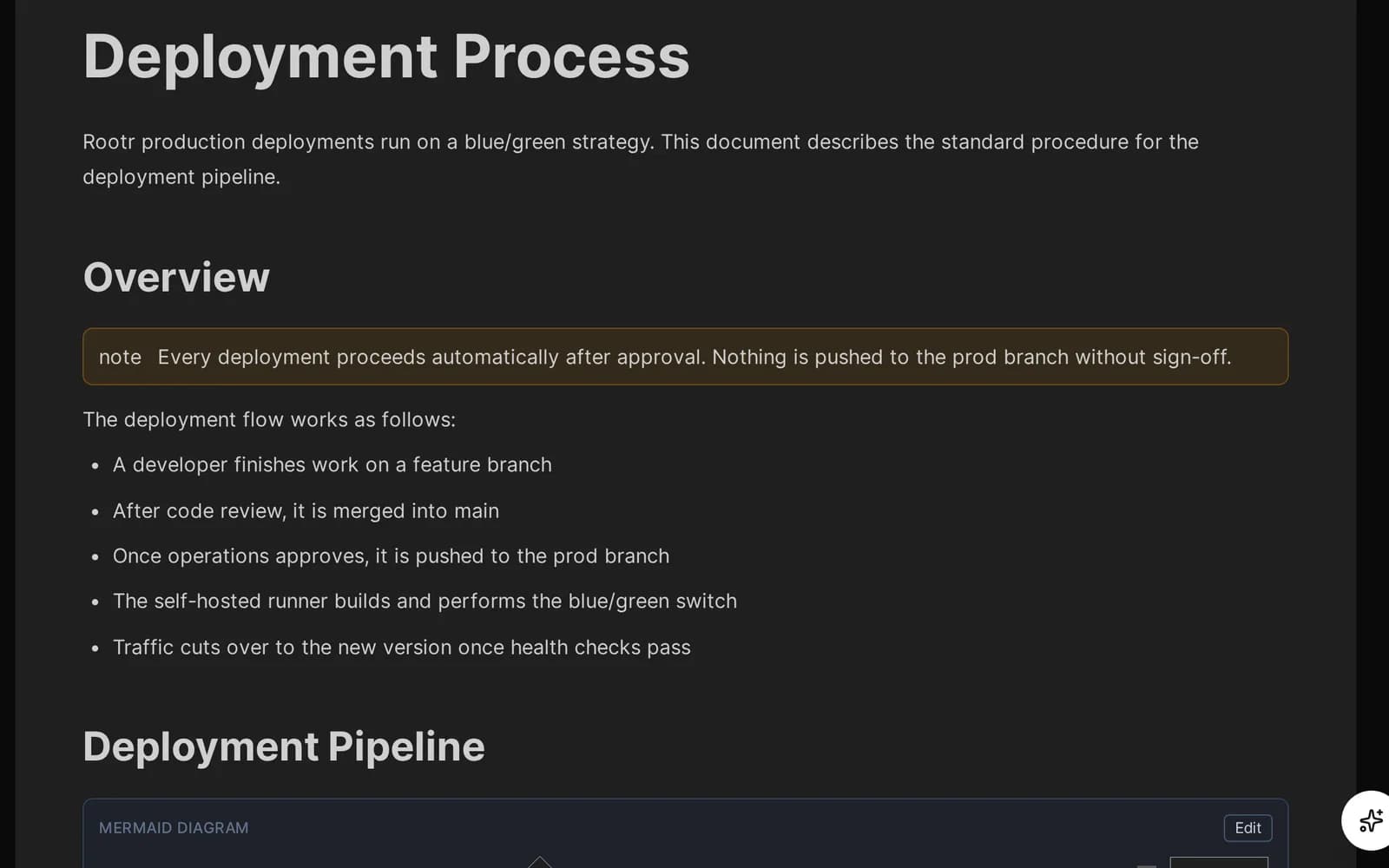
Document editor
Type it yourself, or let your AI write it in.
Say one line to your AI mid-meeting and it lands in a doc your team already shares. Callouts, tables and diagrams live on the same page, and the whole thing round-trips to plain markdown underneath.
- Real-time co-editing, no save button
- Callout, table & diagram blocks in one page
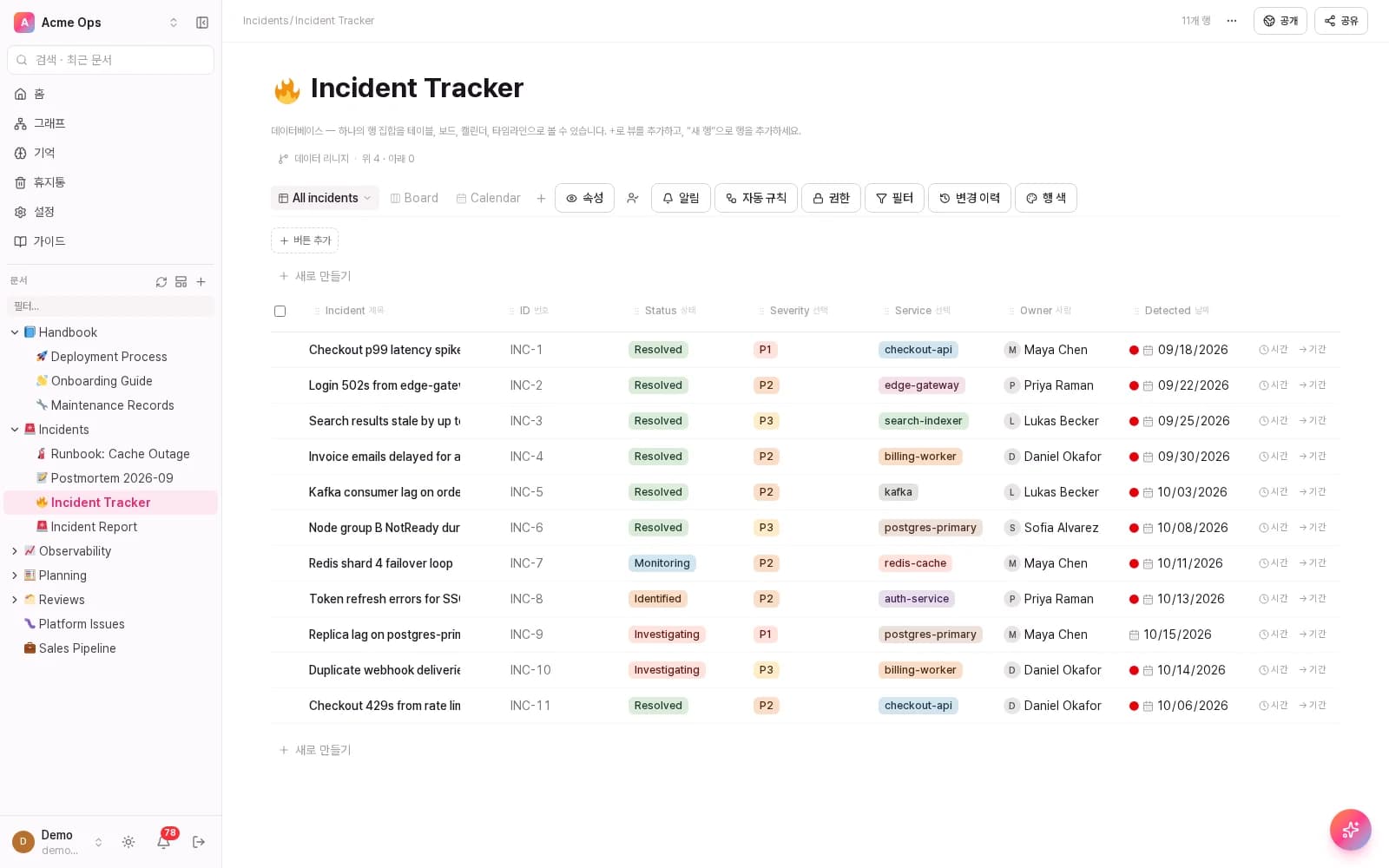
Database
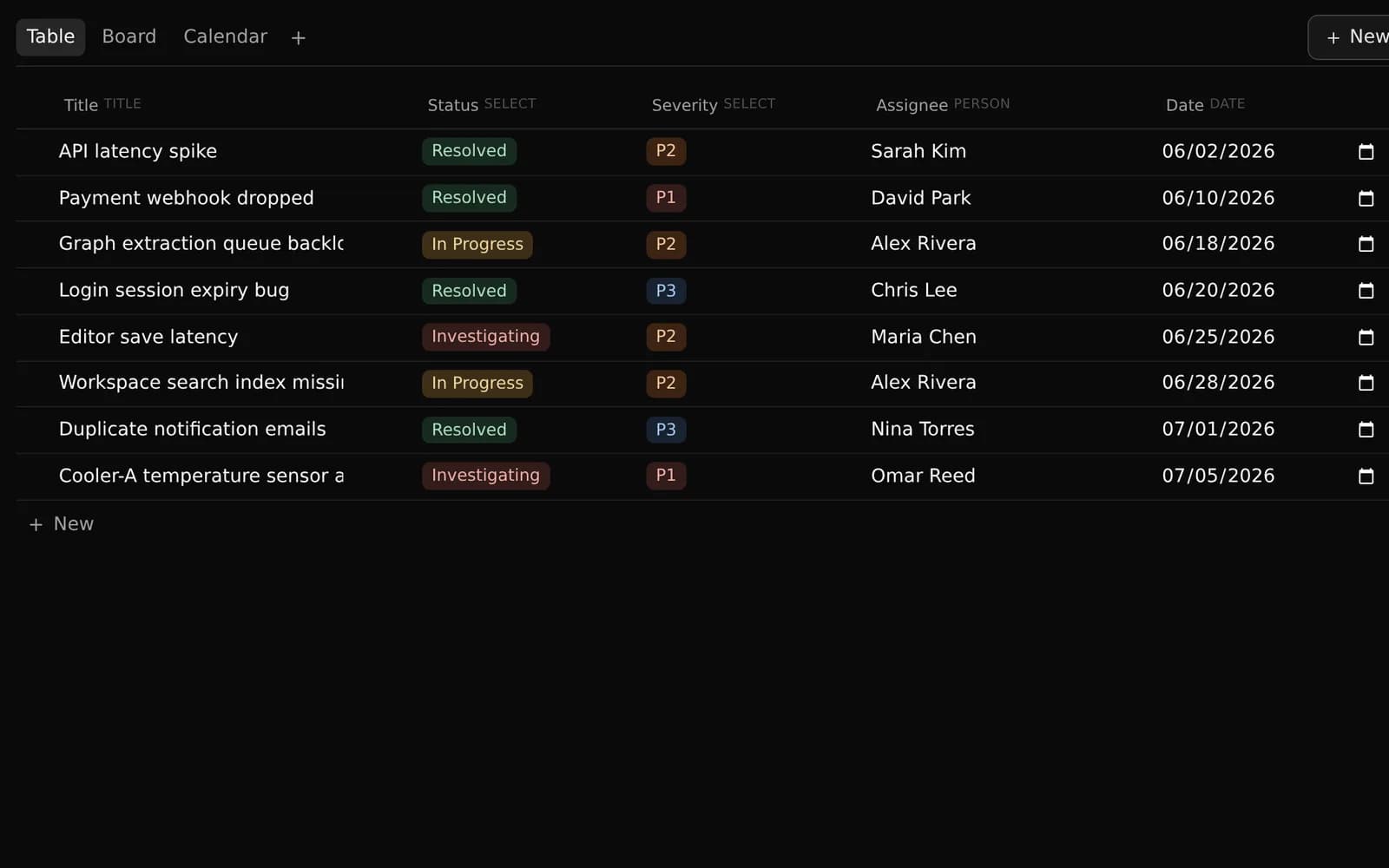
View it as a table. Flip to a board. Same data.
The "incident tracker" holds 8 rows tagged by status and severity. Flip the view from table to kanban board and the same 8 records rearrange themselves — no export, no second copy to keep in sync.
- Status & severity badges (Resolved/In Progress/Investigating, P1–P3)
- Table ↔ board, same records, zero re-entry
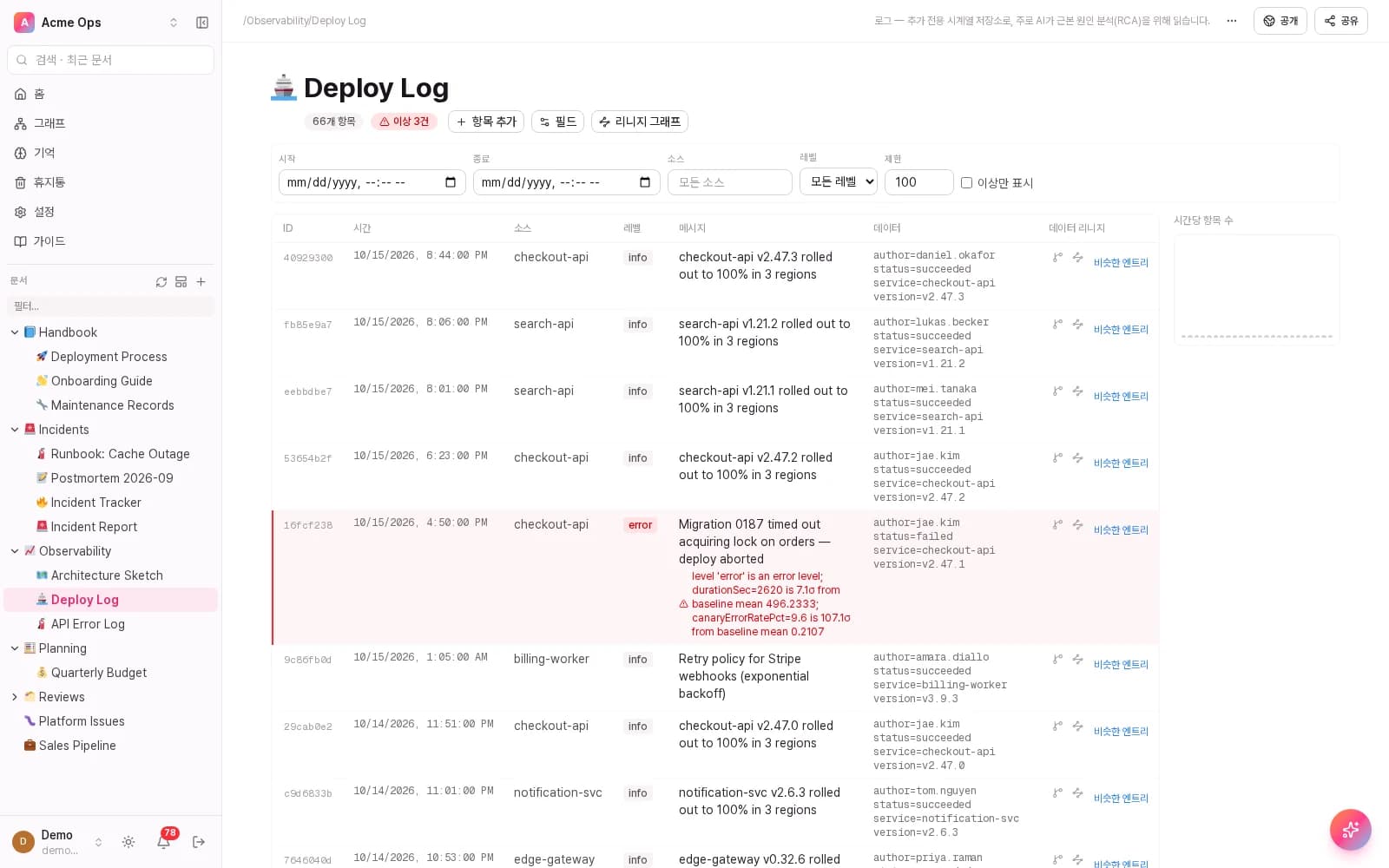
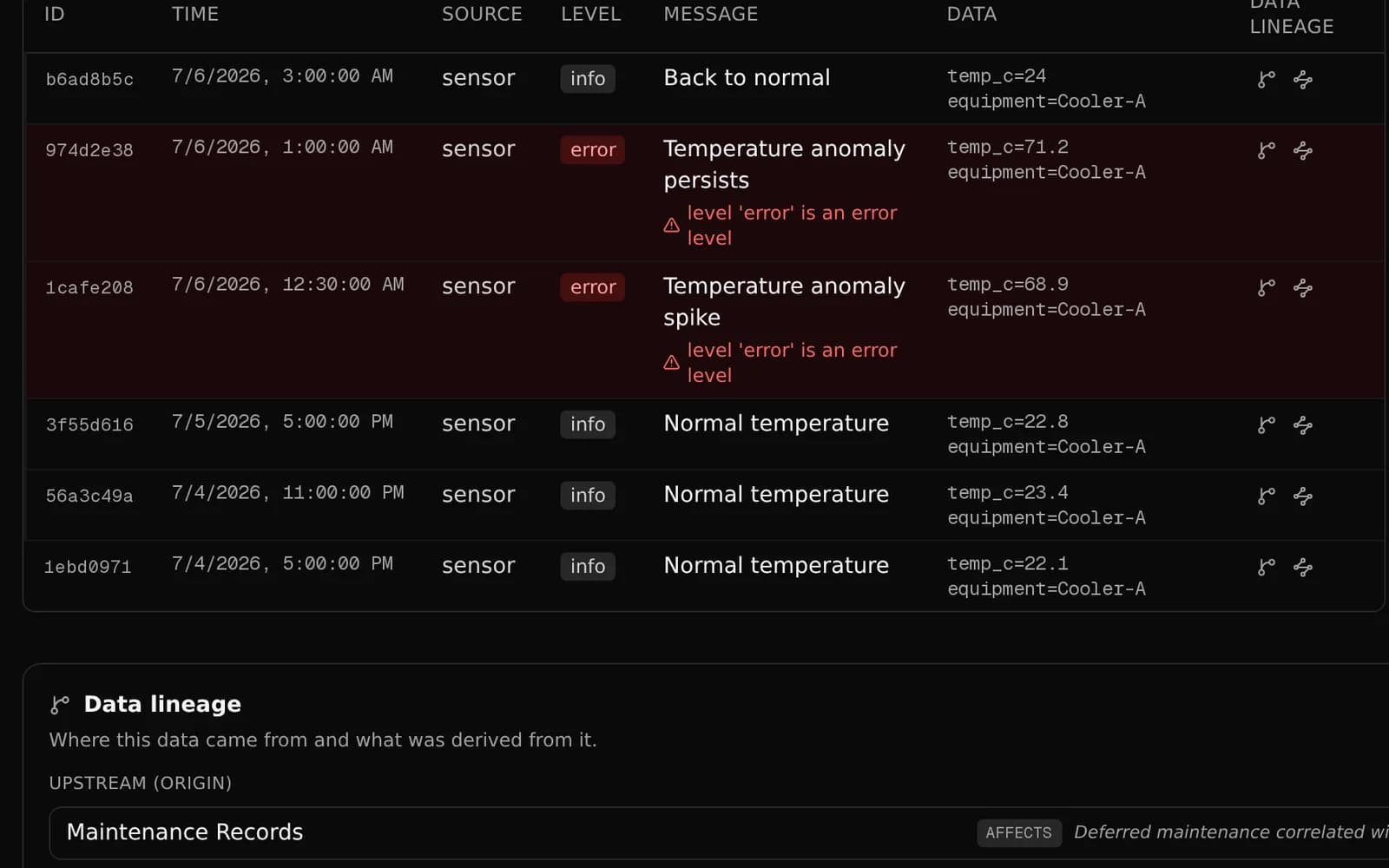
Typed logs
Anomalies turn red automatically.
In this "equipment temperature log," two entries that break from the normal range are flagged red automatically. A lineage panel at the bottom links those readings straight to the "maintenance records" that document what was done about them.
- Automatic anomaly detection, no thresholds to set
- Built-in lineage panel to upstream docs
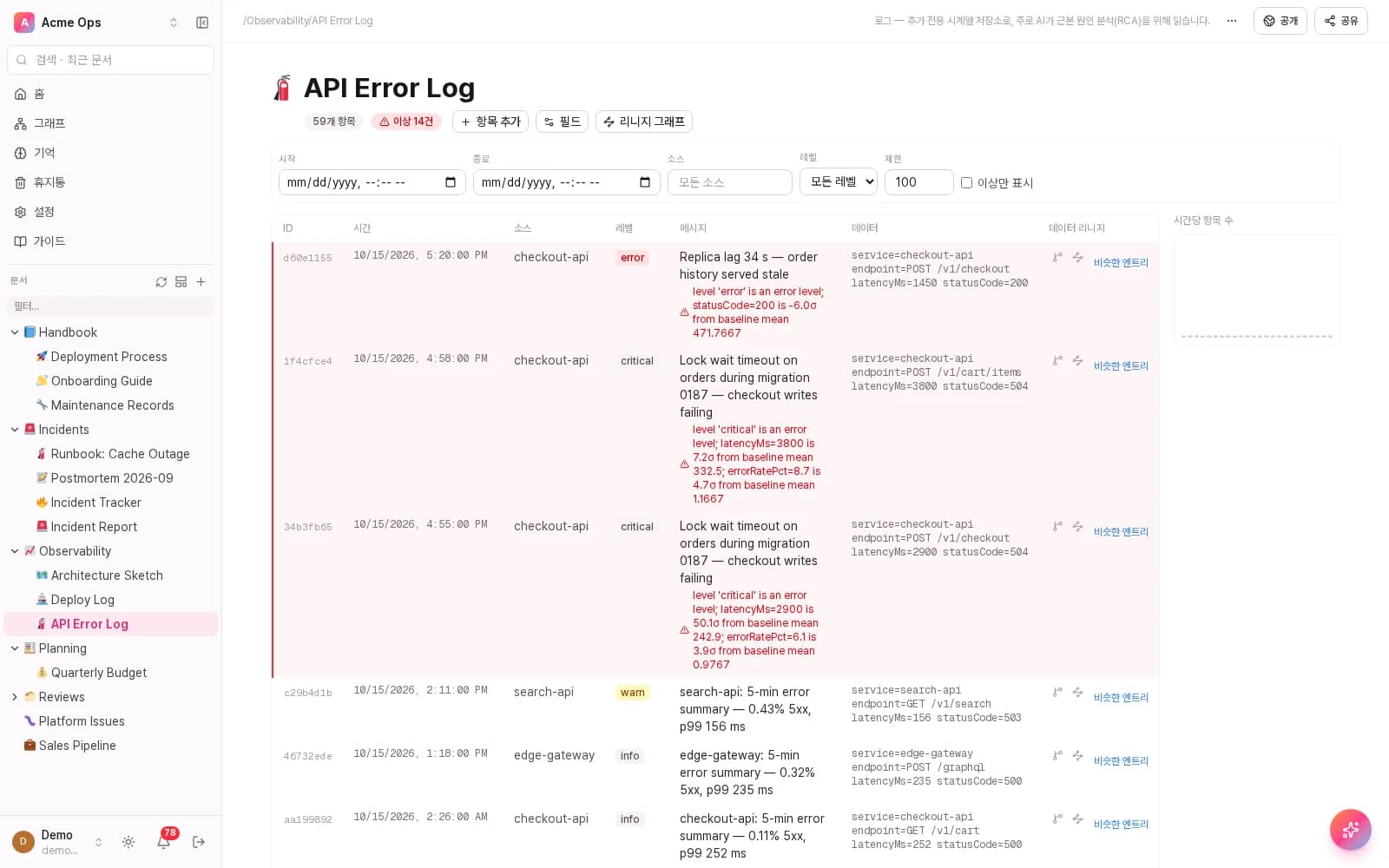
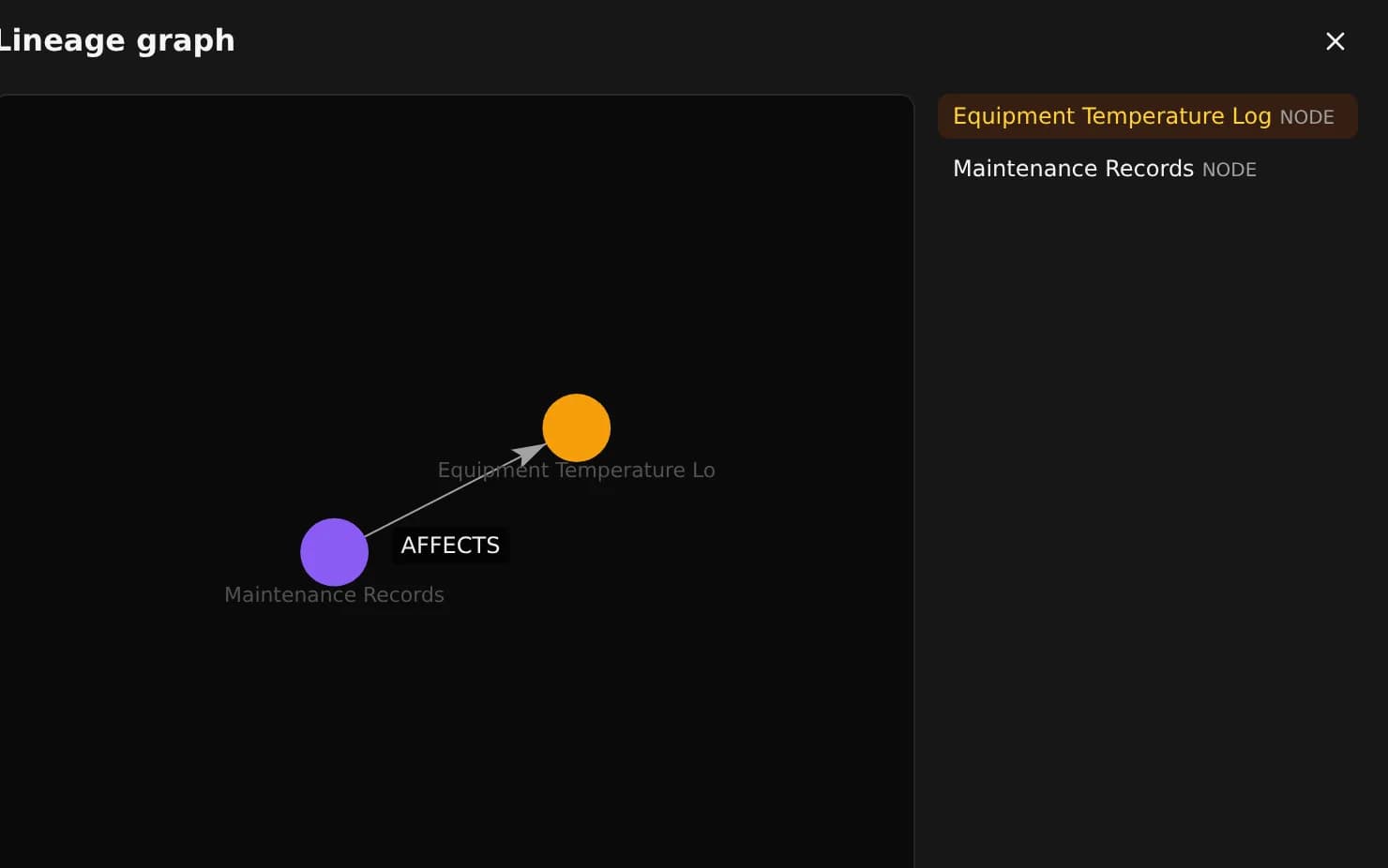
Data lineage
Draw a relation, get a cause chain.
A relation field on the temperature log points to the maintenance record via an AFFECTS relation — no manual diagramming. Follow that edge across the graph, hop by hop, to trace a reading back to its likely cause.
- Relation fields = automatic lineage
- Visualized as nodes & edges
Knowledge graph
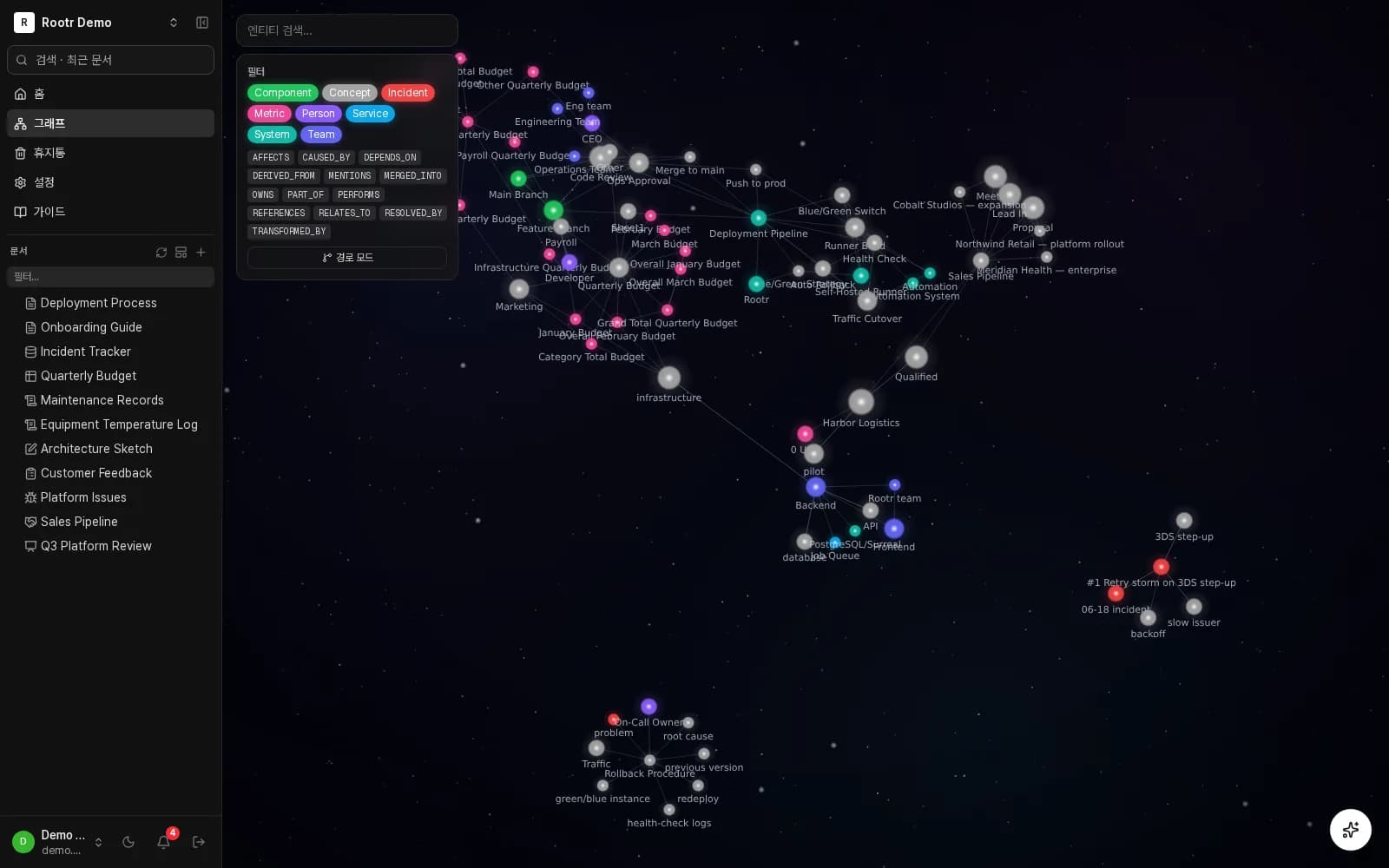
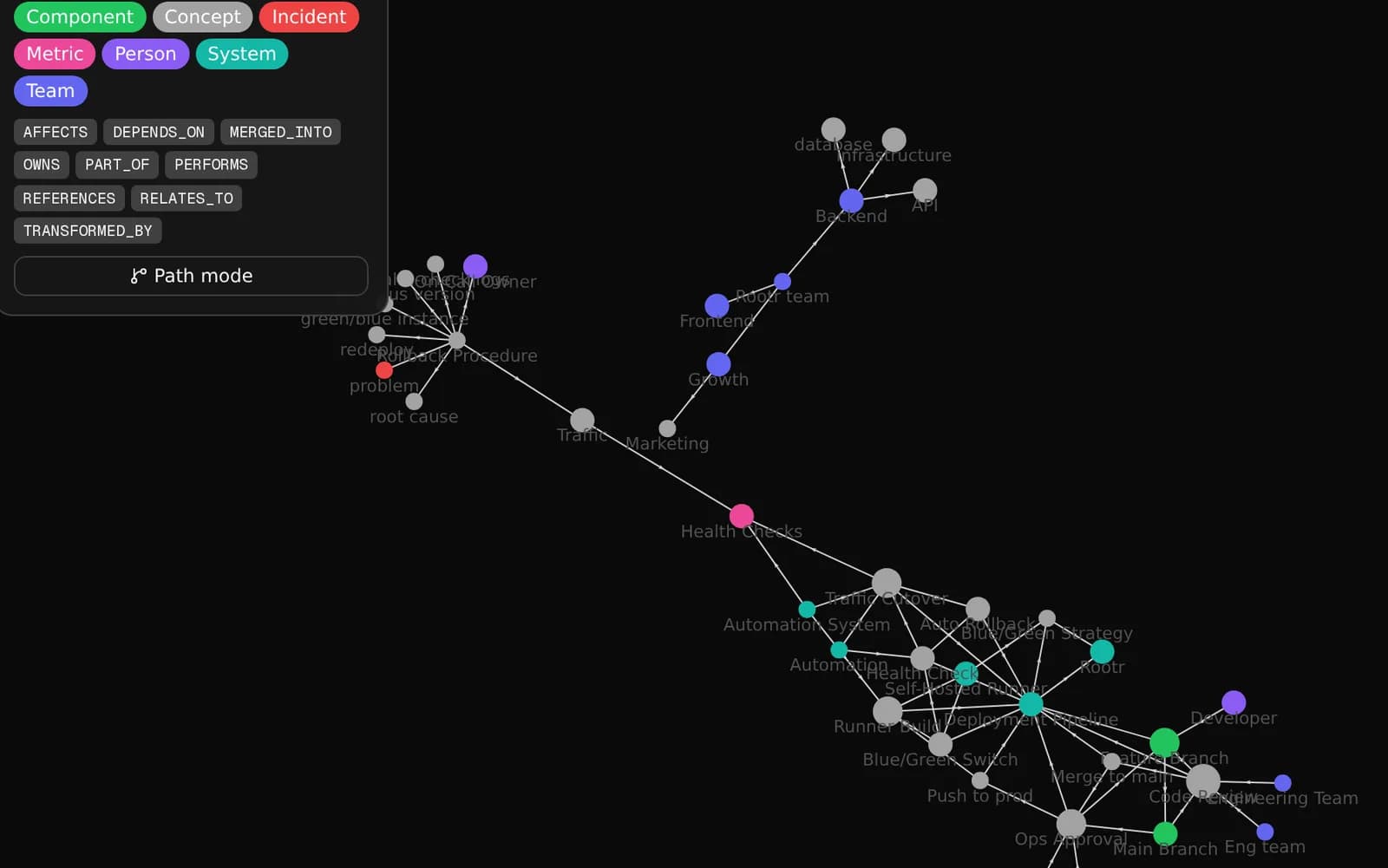
The more you write, the more the graph grows.
Every document, database record, and log entry becomes a node; every relation and reference becomes an edge. The graph updates automatically as you write — no separate modeling step.
Issue tracker
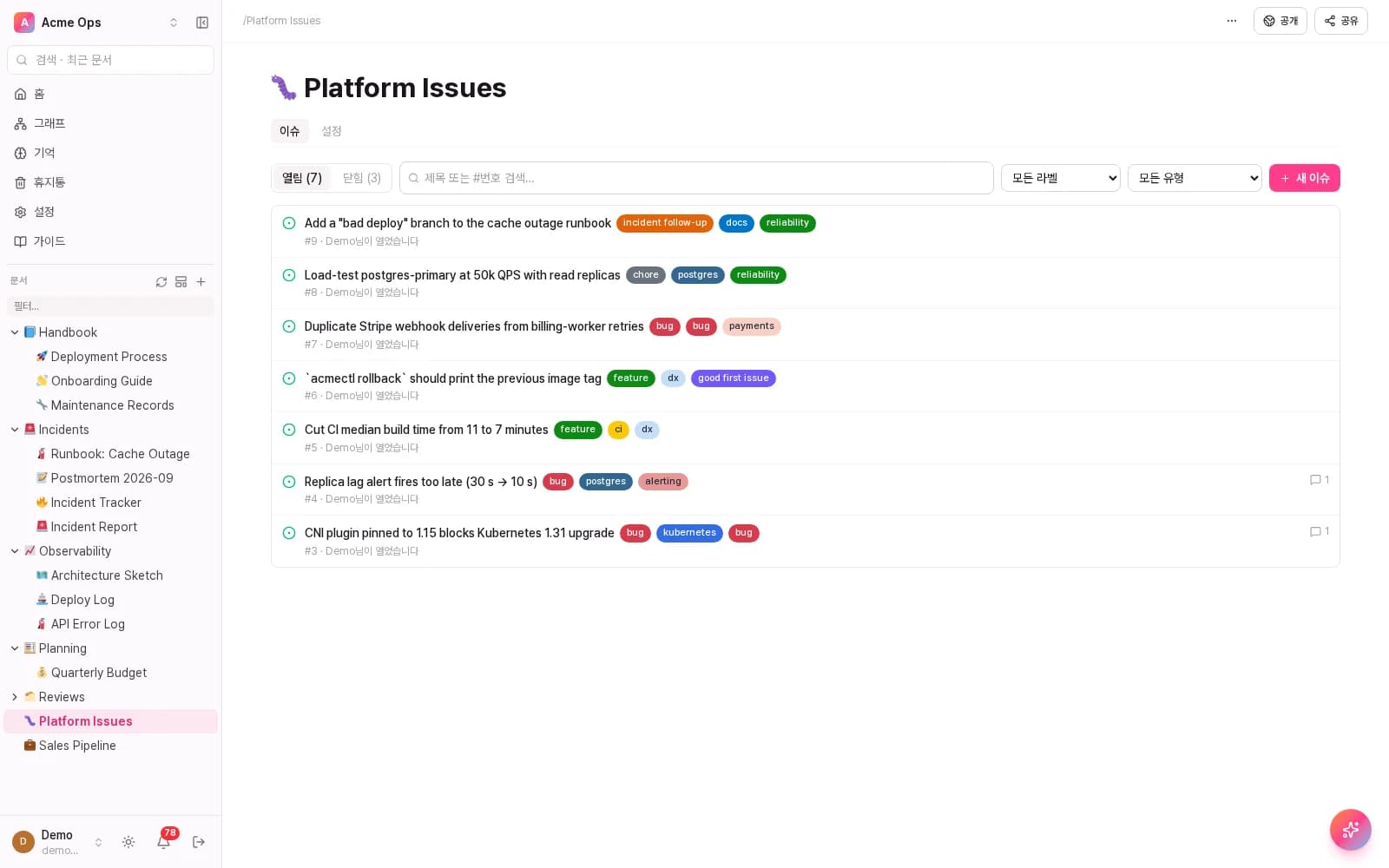
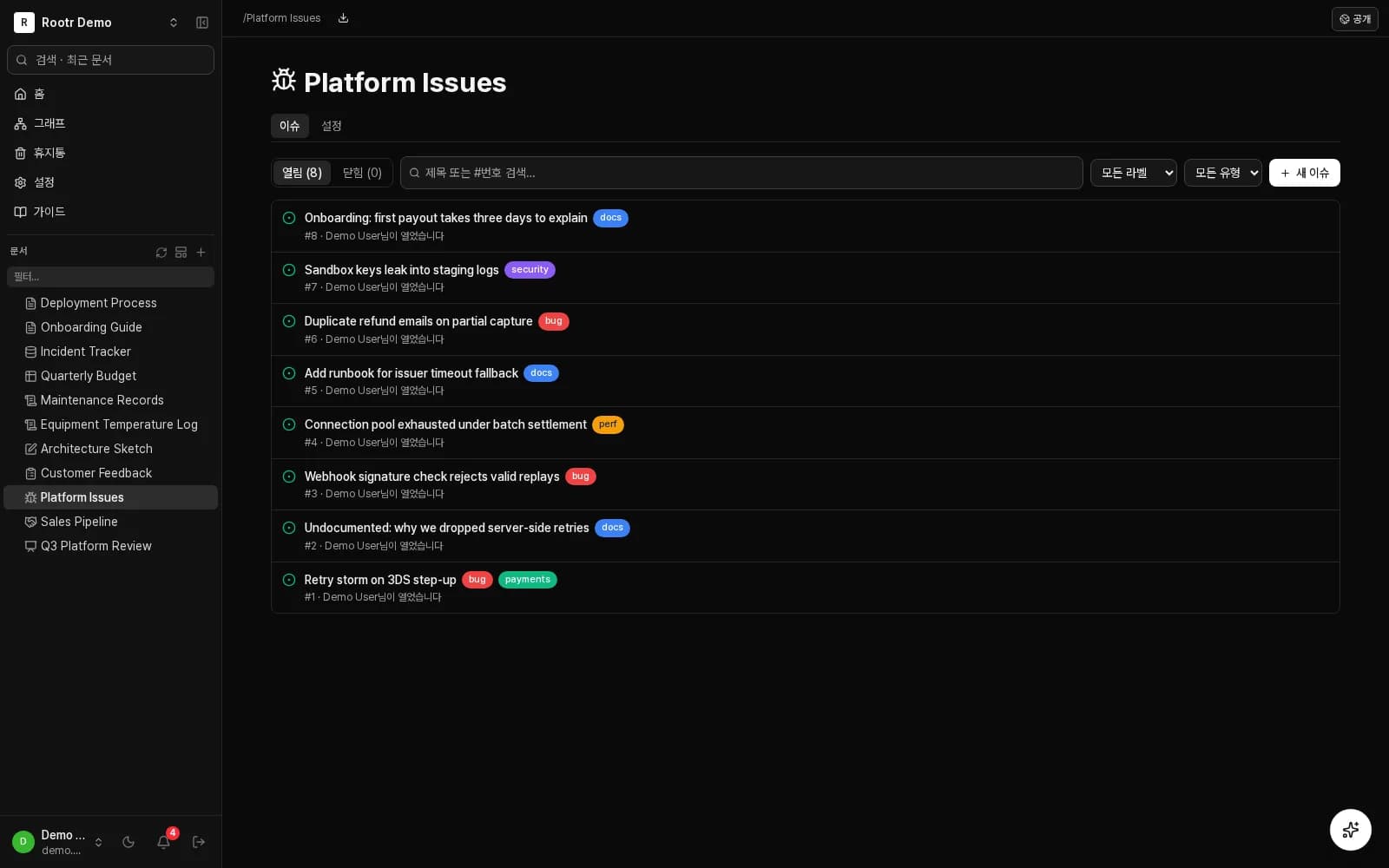
File the "why does this exist?" on the spot.
Tell your AI once and it is filed, labelled and linked to the doc that explains it — so the next person does not rediscover it.
- Labels, assignees and status, as you would expect
- Jump straight from an issue to its source doc
Other doc types
Spreadsheets, whiteboards, forms — all in one workspace.
How it's different
Not a keyword search. A cause-finder.
We won't just claim it — here's how it actually finds the answer.
- 01
2am. A P1 alert fires on the payments service.
- 02
You ask, "What changed in the last deploy?" No query to write, no keywords to guess.
- 03
Rootr reads across the deploy log, the change-history doc, and recent issues in one pass.
"Cache settings changed in yesterday's 6pm deploy, and the failure rate rose right after. It's tracked in issue #482." — the answer comes back with its source.
In SQL
SELECT service, COUNT(*) FROM deploy_logs WHERE status='failed' GROUP BY service ORDER BY COUNT(*) DESC LIMIT 5;With Rootr
Which service had the most deploy failures this month?
Keep writing docs and logging like you always have. Connecting the dots is Rootr's job.
Developers
Drop in markdown. Get a RAG endpoint.
Every doc is automatically parsed and woven into a queryable graph in the background — no pipeline to build, no vector DB to provision. Query it via REST or GraphQL, or point your agent at llms.txt. Scoped API keys per integration.
Read the API docsExample: how an agent lets itself in
# 1) the agent reads the workspace + how to auth
curl https://YOUR_WORKSPACE.rootr.io/llms.txt

# 2) ask, with a scoped API key → a sourced answer
POST /api/v1/ask

# 3) or let it build a whole new workspace
POST /v1/scaffold/workspace
One line of llms.txt and an agent reads the structure and how to authenticate. From there, /api/v1/ask for a sourced answer, or /v1/scaffold/workspace to build a new workspace.